
Free, no signup
Matching game maker: a memory match game from your pairs, free
Type your pairs, such as a word and its meaning. Convika's AI makes a matching game where players flip cards to find each pair, at one link you share with a class, a team, or your family.
Your matching game
Convika's AI builds the game from your pairs, with sounds and a combo for pairs in a row. Play it right away, no account needed.
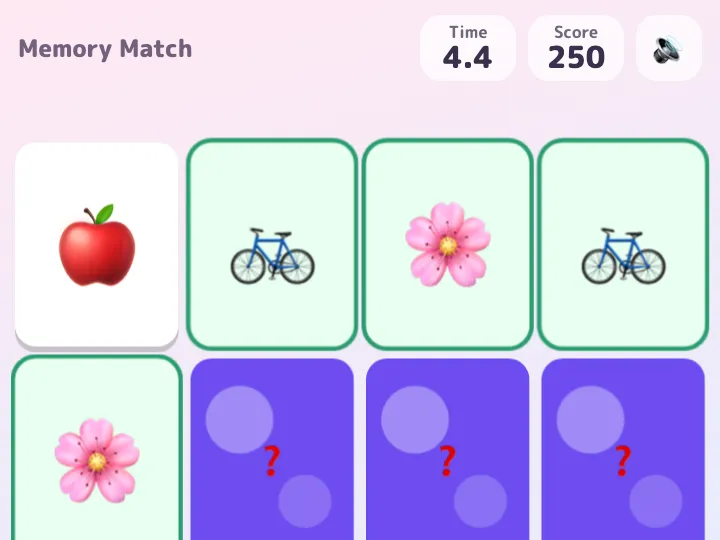
How to make a matching game
1
Type your pairs
Write each pair as A / B, one per line: two of the same picture, or a word and its meaning.
2
Get your game
In a few minutes the AI makes the game. Flip the cards on your phone and find the pairs.
3
Share one link
Sign up free and publish. Send the link or show its QR code, and everyone plays in their browser.
What your matching game does
- Cards shuffled face down: flip two, and a pair stays face up
- Solo play against the clock, with the time and the number of moves shown
- A two-player mode where players take turns and a pair earns another turn
- Sounds and effects on every flip and match, a combo for pairs in a row, and a mute button
- Colors and a theme that fit your pairs
- Play in any browser on a phone, a tablet, or a laptop, with no app
What Free gives and what Pro adds
On Free, your matching game is live at its own link, with a QR code in your dashboard for the board or a handout. You see how many people opened it and where they came from.
Pro takes the Convika bar off your page, keeps 100 pages live at once, and opens a page only to people with its private link or password. Pro starts with a free trial: 7 days free, then $12 a month, cancel any time before it ends.
Frequently asked questions
Is the matching game maker free?
Yes. Making a game here is free and needs no account. To keep it, sign up for a free Convika account and publish it on the Free plan.
What can the pairs be?
Anything in two parts: the same emoji twice, a word and its meaning, a country and its capital, a question and its answer. Write them one per line as A / B.
How do I share the game with my class?
Publish it and send the link, or show the QR code from your dashboard on the board. Students play in a browser with no app and no account.
Can two people play?
Yes. Ask for two players and the game takes turns: a player who finds a pair goes again, and each player's pairs are counted.
Can I change the pairs later?
Yes. Ask the AI in your dashboard, such as "swap in this week's words", and publish again. The link stays the same.