
Turn the HTML your AI made into a link anyone can open
Turn the HTML file you got from ChatGPT, Claude, or Gemini into a live link. Anyone can open it on a phone, an iPad, or a Chromebook with no account.
Drop your .html file or paste its code to get a private preview link
Drop your .html file here
No file handy?
Without an account, your preview link stays live for 3 minutes. Create a free account to keep your page.
Preview mode turns off scripts and forms. Sign up for a free account and publish to run scripts.
Free · No credit card · 1 published page
Made with Convika
Make a page of the same kind from a template, free.
Class team quiz
Enter a subject and topic, and the AI makes a team quiz page you can project in class.
Personality test
Pick a theme, and the AI makes a personality test page: a few questions, a result type, and a link to share it.
Flashcards and quiz
List the words as front / back, and the AI makes flashcards you can flip plus a multiple-choice quiz.
What people publish
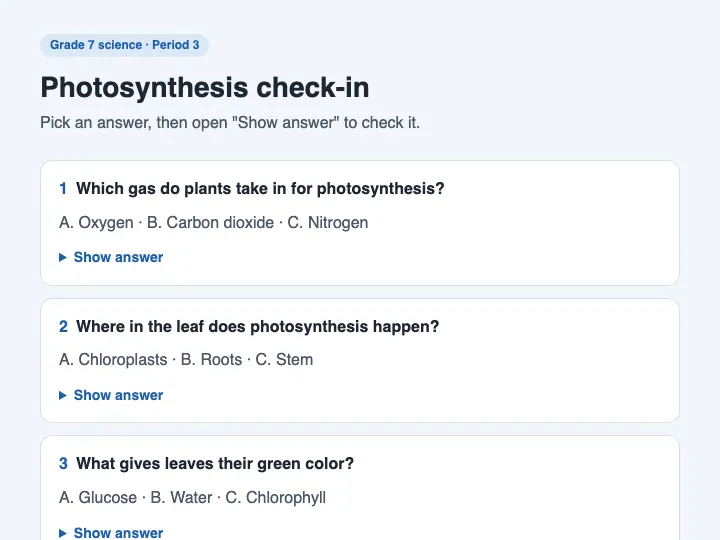
Class games and quizzes
Post the link in Google Classroom or display a QR code on the board. Students open the page on a Chromebook, iPad, or phone without an account.
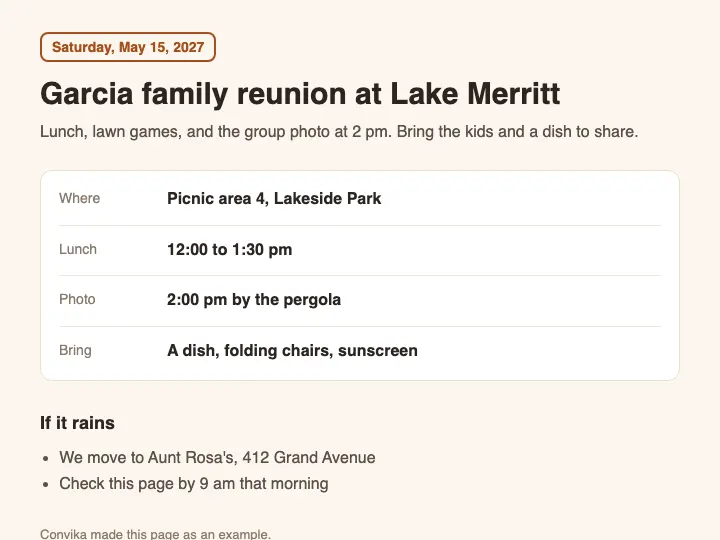
Pages sent on WhatsApp or email
Send a web link instead of a raw file. Anyone you message can tap the link and view the page instantly in their phone's browser.
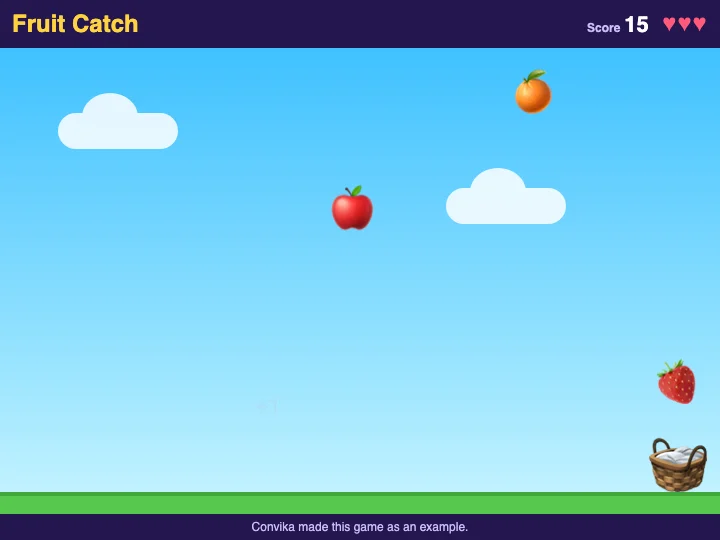
Games for friends
Send the game your AI made as a link. Friends tap it and play on their phones, with no app or account. Upload a fixed version to the same page and the link stays the same.
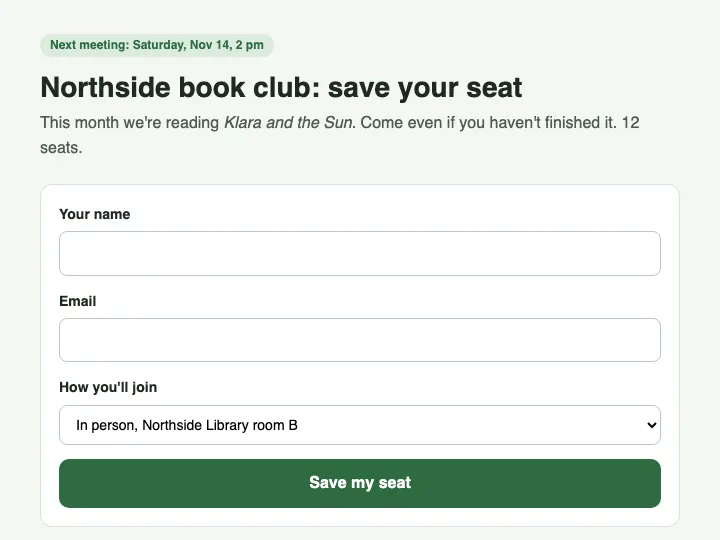
Sign-up sheets and forms
Add a form using the dashboard. All sign-ups and answers stay in a single list that you can export.
From file to link
01
Drop your file
Drop the .html file your AI made, or paste its code into the box. Files can be up to 2 MB. Uploading uses no AI credits.
02
Open your private preview
Open the private preview link. See how your page looks on a phone. You do not need an account yet.
03
Publish on a free account
Keep the page in a free account and publish it. Anyone with the link can open it in their browser.
04
Share your link or QR code
Share the link or show a QR code. Publish a fixed version later, and the link stays the same.
What a published page can have
Access with no account
People tap the link and the page opens in their browser. They do not need an account. It works on a phone, a Chromebook, and an iPad. A game made as one HTML file runs its scripts on the published page.
Scannable QR code
Show the QR code on a board or print it out. Phones scan straight to the page.
Unchanging link after edits
Publish a fixed file as a new version, and the link stays the same. You can go back to an earlier version at any time.
Password protection (Pro)
Set a password on your page. Only people who know it can open the page.
Visitor stats
See how many people opened your page. View which devices they used and where they came from.
Forms with exportable answers
Add a form to your page in the dashboard. The sign-ups or answers stay in one list that you can export.
No HTML file yet? Describe the page to the AI in the dashboard and it makes one. On the default model, a page costs 1 AI credit. Claude, Codex, or another MCP client can do the same from your chat. See all features
Pricing
- $0 for 1 published page
- $12 a month, with private sharing, no Convika bar, and more
Start free with no credit card. Uploading uses no AI credits. A page made with the AI on the default model costs 1 AI credit, and a new account starts with 10 credits. The Free plan is $0 for 1 published page, 50 form entries a month, and 1 custom domain. Pro is $12 a month and starts with a 1-day free trial (card required).
Most-read guides
- Turn an AI-made quiz or review game into a link your students can openAsk ChatGPT, Claude, or Gemini for the quiz as one HTML file, publish it free, and give students a link or a QR code with no student accounts.
- Submit an HTML file in Google Classroom so your teacher sees the pageClassroom takes an HTML file, but the teacher gets the file. Hand in a link to the page instead. Teachers post a game for their class the same way.
- How to share an HTML file as a link that opens on any phoneEmail and Google Drive open HTML on a phone without scripts. Compare 5 hosts (Netlify Drop, Tiiny Host, Pagelive, GitHub Pages, Convika) and follow 4 steps.
- How to send an HTML page on WhatsApp so it opens in one tapSent through WhatsApp's Document option, an HTML file arrives as a file. Send a link instead so it opens in their phone's browser.
- How to share a Claude artifact as a link, or deploy it to a real web addressClaude's share link needs a Claude account to open. Paste the artifact's code into Convika and publish it: a real web address anyone can open, free.
- How to share an HTML file from Claude so anyone can open itClaude Share links need a Claude account. Upload the HTML file instead for a quick static view, or use a free account to run its scripts.
Frequently asked questions
Is Convika free?
Yes. As of October 25, 2026, a new account on Free costs $0, needs no credit card, and publishes 1 page at a time. Pro costs $12 a month and removes the Convika bar from the bottom of your pages.
What are the Free plan's limits?
As of October 25, 2026, a new Free account publishes 1 page at a time and keeps up to 10 pages with drafts, with 10,000 page views a month across all pages, 50 form entries shown a month, and 1 custom domain. When a month's page views reach the limit, editing and analytics pause, and 7 days later the pages stop, until the month ends (UTC) or you pay for a plan.
Can I use Convika for a business or commercial site?
Yes, on every plan, Free included. As of October 25, 2026, section 7 of Convika's Terms of Service says: “You may use the Service for commercial purposes on every plan, including the Free plan.” You may build pages for clients and charge for the work; what the terms forbid is reselling Convika itself.
What does Made for you cost, and what do I get?
Made for you costs $199, paid once, and only if you approve the preview. As of October 25, 2026, you get a private preview of a landing page with a working form within 2 days, up to 2 rounds of changes before you pay, and 12 months of Pro with no renewal. Convika publishes it within 2 days of payment, or refunds you in full.
Which AI tools does Convika work with?
Any AI that gives you an HTML file. As of October 25, 2026, HTML from ChatGPT, Gemini, or another AI becomes a page when you upload it to convika.com (up to 2 MB), and Claude, Claude Code, and Codex connect to Convika's MCP server at https://mcp.convika.com to save and publish pages for you. ChatGPT connects over MCP only in Developer mode.
Do people need an account to view my page?
Does it work on school Chromebooks and iPads?
If I fix the page, does the link change?
What if I do not have an HTML file yet?
See your HTML file as a live page
See a private preview of your page first. You do not need an account until you keep the page.
Upload your HTML file